 Spectrum pages

Heartland (Odin Software)
These notes are by no means complete. They are simply an outline of what I've discovered poking around in the works of Heartland.
As I was writing this up, I discovered that Steve Wetherill has recently been disassembling and documenting Heartland and his other games himself. It makes interesting reading.
Introduction
Heartland is a beautiful-looking game which got high marks from all the computer magazines at the time of its initial release. I think that on closer acquaintance there isn't a lot of strategic depth to the gameplay; the only objective is to locate twelve pages, which appear in a limited number of locations. The main obstacles are the size of the game, a limit to the amount of time you can spend on any level, a selection of wandering monsters that drain your energy, and holes in the floor through which you can fall to your doom.
(Also, as released, the game would crash on completion rather than showing the victory screen. The Spectrum community has come up with a fix for this, allowing the game to be completed as intended).
Steve Wetherill's blog entry on the making of Heartland notes that the room layouts were originally created using a map editor tool. That serves as proof that it ought to be possible to create such a utility...
Graphics
Tiles
The lowest-level unit of room graphics is the 8×8 tile, stored in the expected way for a Spectrum UDG. The game has five sets of these:
- Table 0: 67D0h-6FCFh
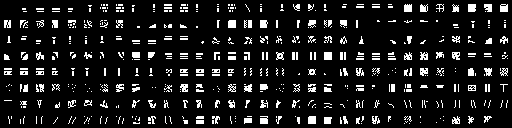
- Table 1: 72D0h-7ACFh
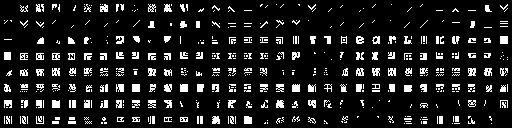
- Table 2: 7C30h-832Fh
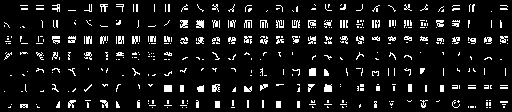
- Table 3: 8B67h-903Eh

- Table 4: 0FDB5h-0FDCCh

The addresses of these five tilesets are in a table at B299h. There is a sixth entry in the table which is 0, suggesting that another tileset may have been contemplated at one time. The game engine would be able to use up to eight tilesets if memory was available for them.
Panels
At 62FFh is a table of 128 words, each giving the address of a rectangular panel. The format of a panel is:
	DB	w	;Bits 3-0 give width of panel in tiles
			;Bits 6-4 specify tileset, 0-4
			;Bit 7 is 0 (see below)
	DB	h	;Height of panel in tiles
	DB	tiles	;Width × height bytes, giving the tile numbers
			;to draw within the specified tileset.
	DB	attrs	;Spectrum attributes for each tile. 0FFh means 'the
			;tile at this position is not drawn'.
There is a second table at 629Bh-62C4h which is used to draw elements of the user interface, such as the hat, sword and fireball at the top of the screen, and the lift cage used when moving up or down levels.
If the first byte of a panel definition is 80h, then it is followed by eight bytes giving a list of panels, each assumed to be four tiles wide. This is used to draw repeating horizontal patterns such as the floors.
Room Graphics
There are three tables of room graphics:
- 913Fh-97BAh
- Room templates
- 97BBh-9B82h
- Room layouts (background plane)
- 9B83h-9F62h
- Room layouts (foreground plane)
Each of these tables is in the same format: a sequence of entries, each of which is:
	DB	count	;Number of panels to draw. Followed by 2*count bytes,
			;giving details of each panel:

	DB	pos	;Position of panel. Bits 7-5 = Y/2, bits 4-0 = X
	DB	panel	;Bits 6-0 give panel number. Bit 7 set if panel is
			;horizontally reflected
There is a similar table at 6208h-6299h which is used to draw elements including the title screen, space station lift shaft, and the bed.
Rooms
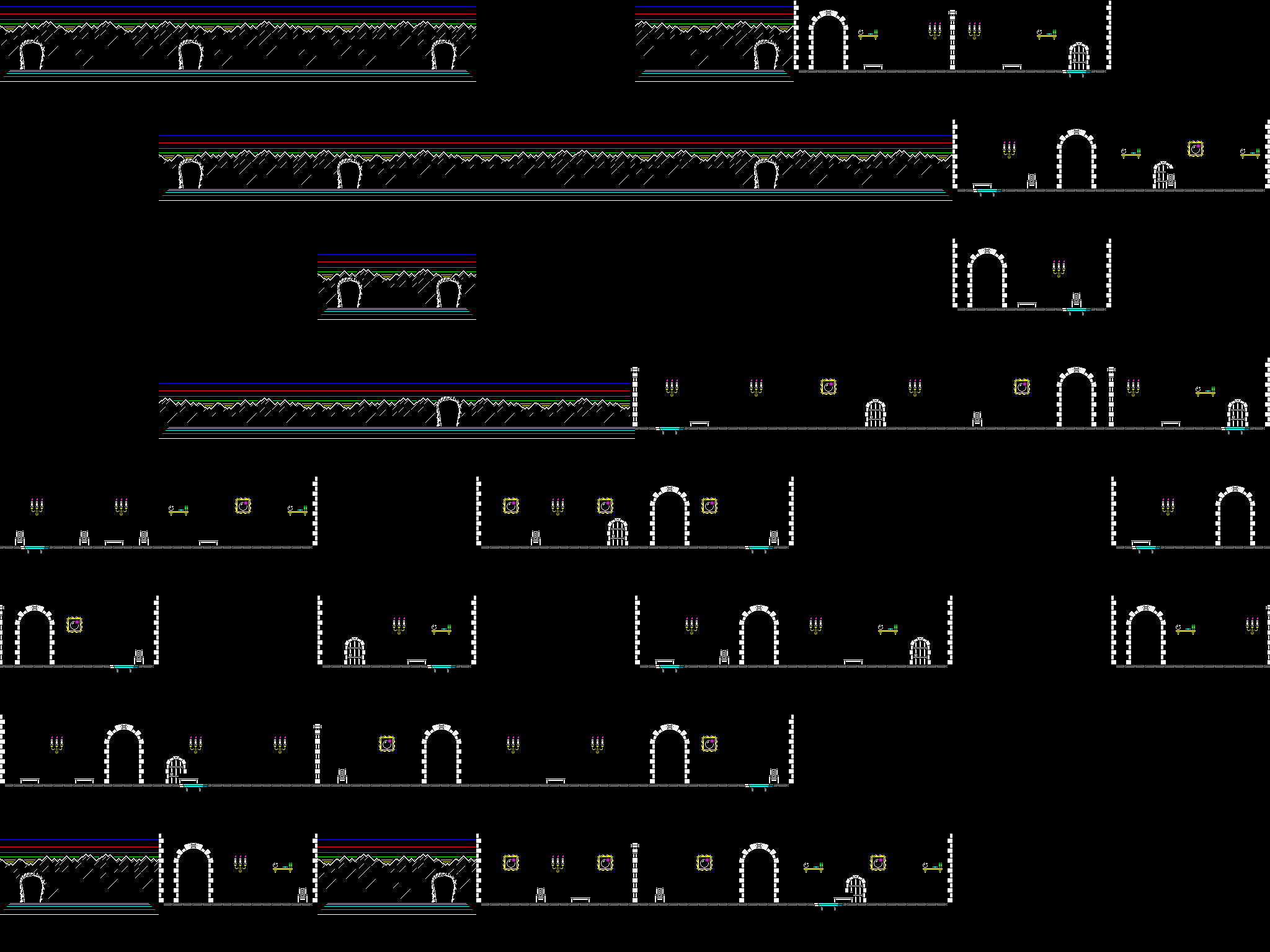
Internally, Heartland models its map as an 8×8×8 cube of positions, of which 256 can contain rooms. Room positions are treated as 9-bit words:
Bits 2-0: X (left/right)
Bits 5-3: Y (into / out of the screen)
Bits 8-6: Z (down / up)
Note that the Z coordinate counts down from the top; Z=0 is the top level, Z=7 the bottom.
In the game as released, the top slice of the cube is level 4, the castle and the mountains. The next two slices down are given over to level 1, the garden, and the gazebos above it. Then level 5 and level 2, the wilderness and the space station, share the next four slices, and the bottom slice is level 3, the village.
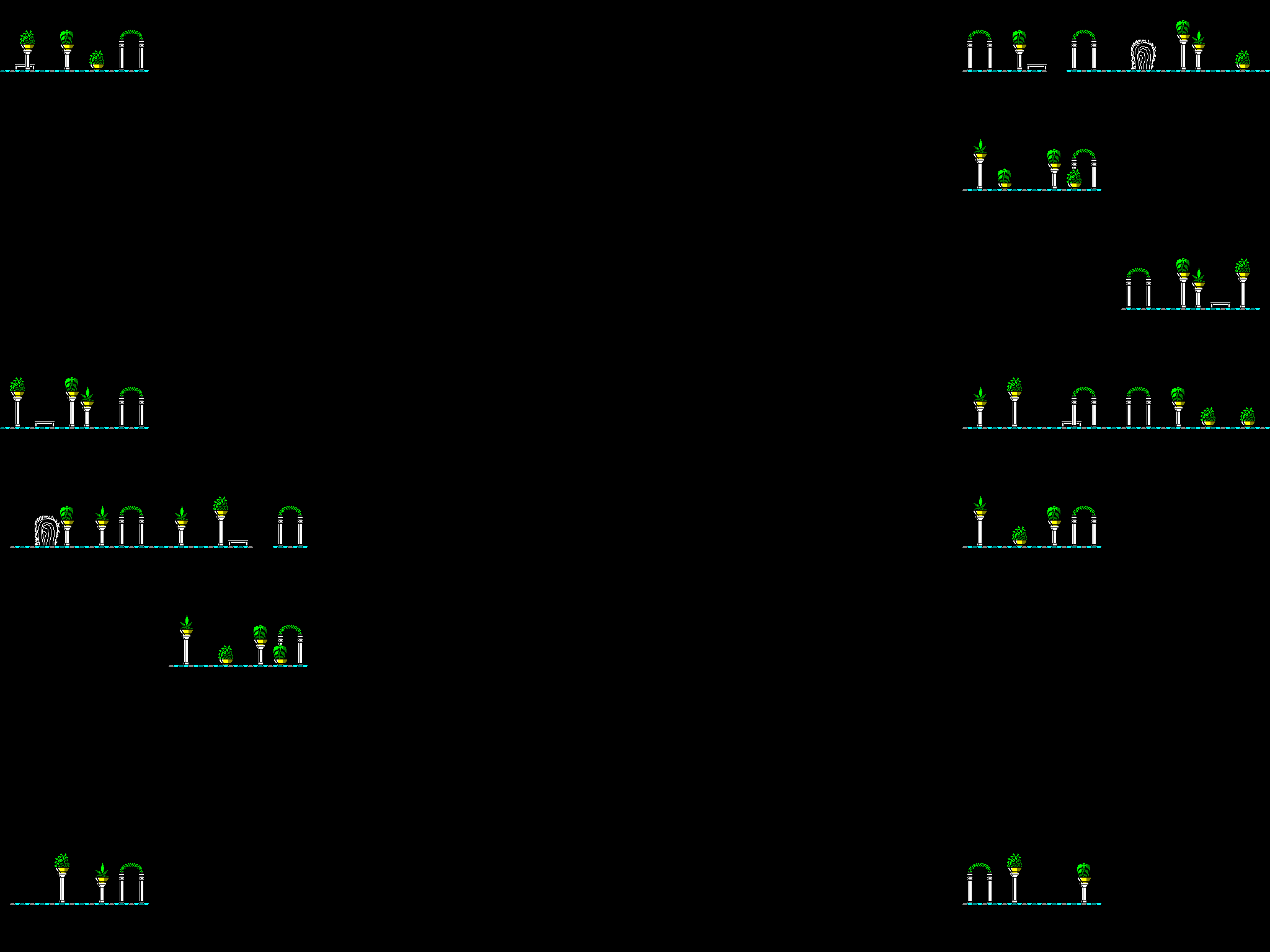
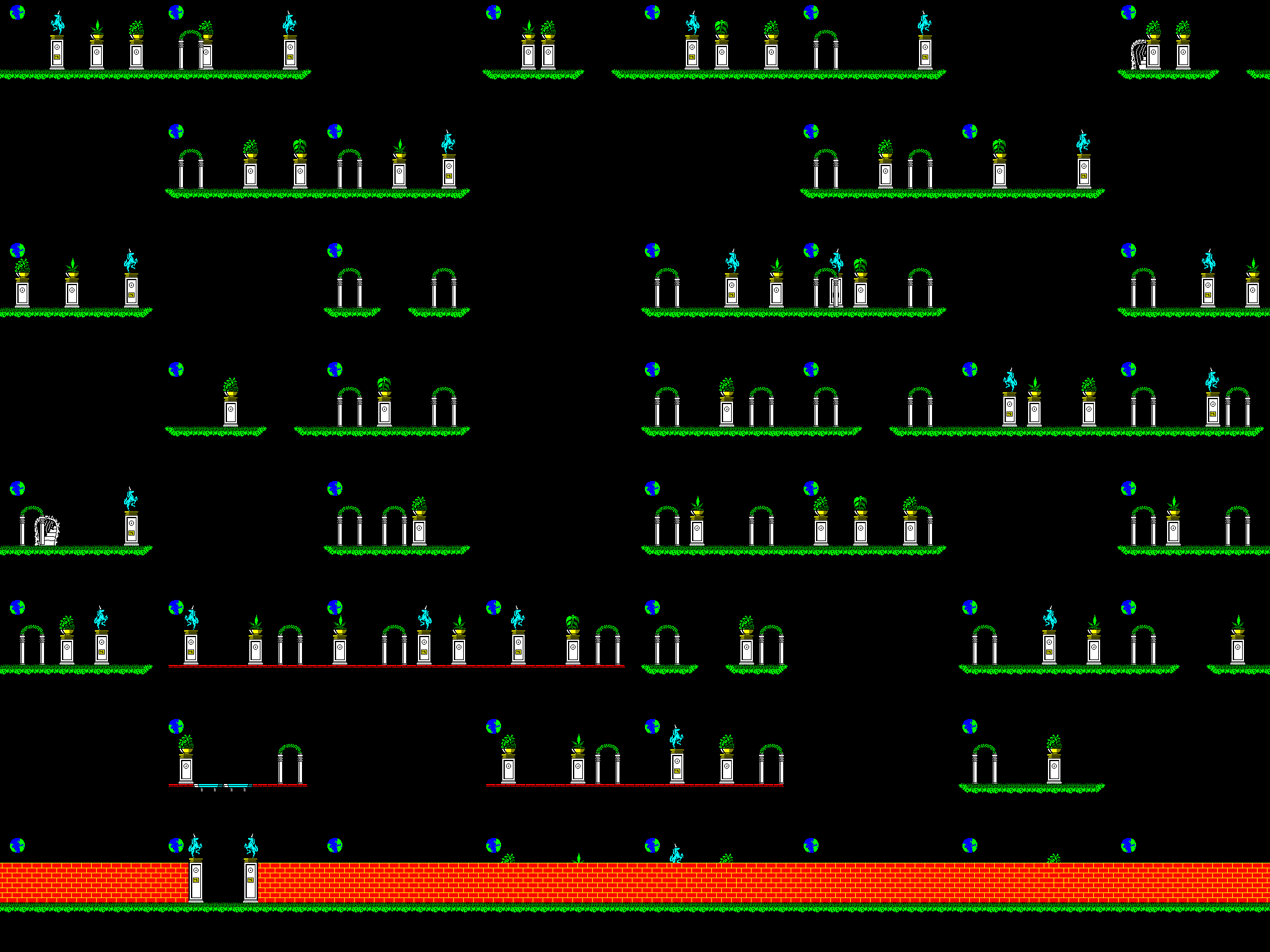
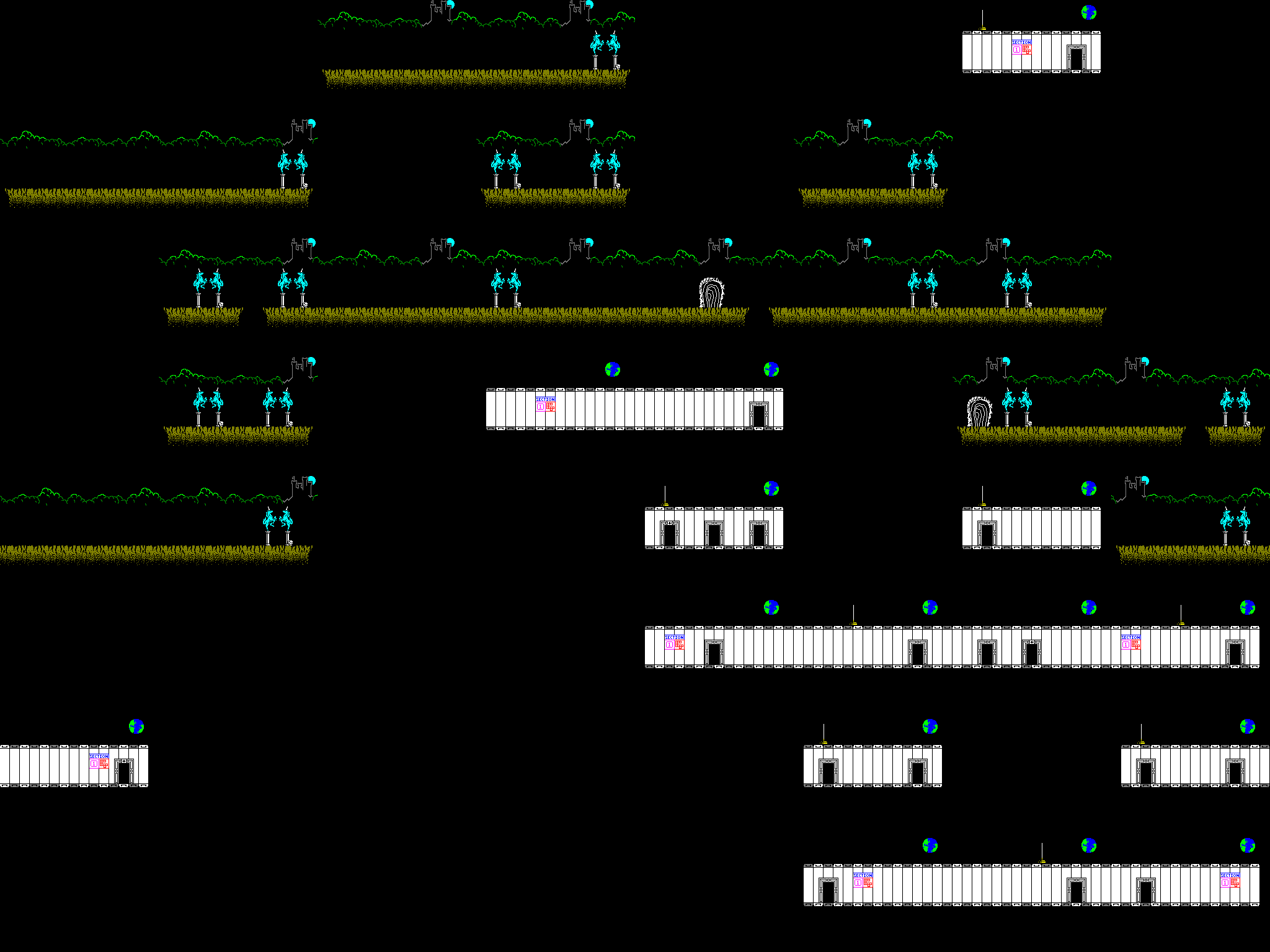
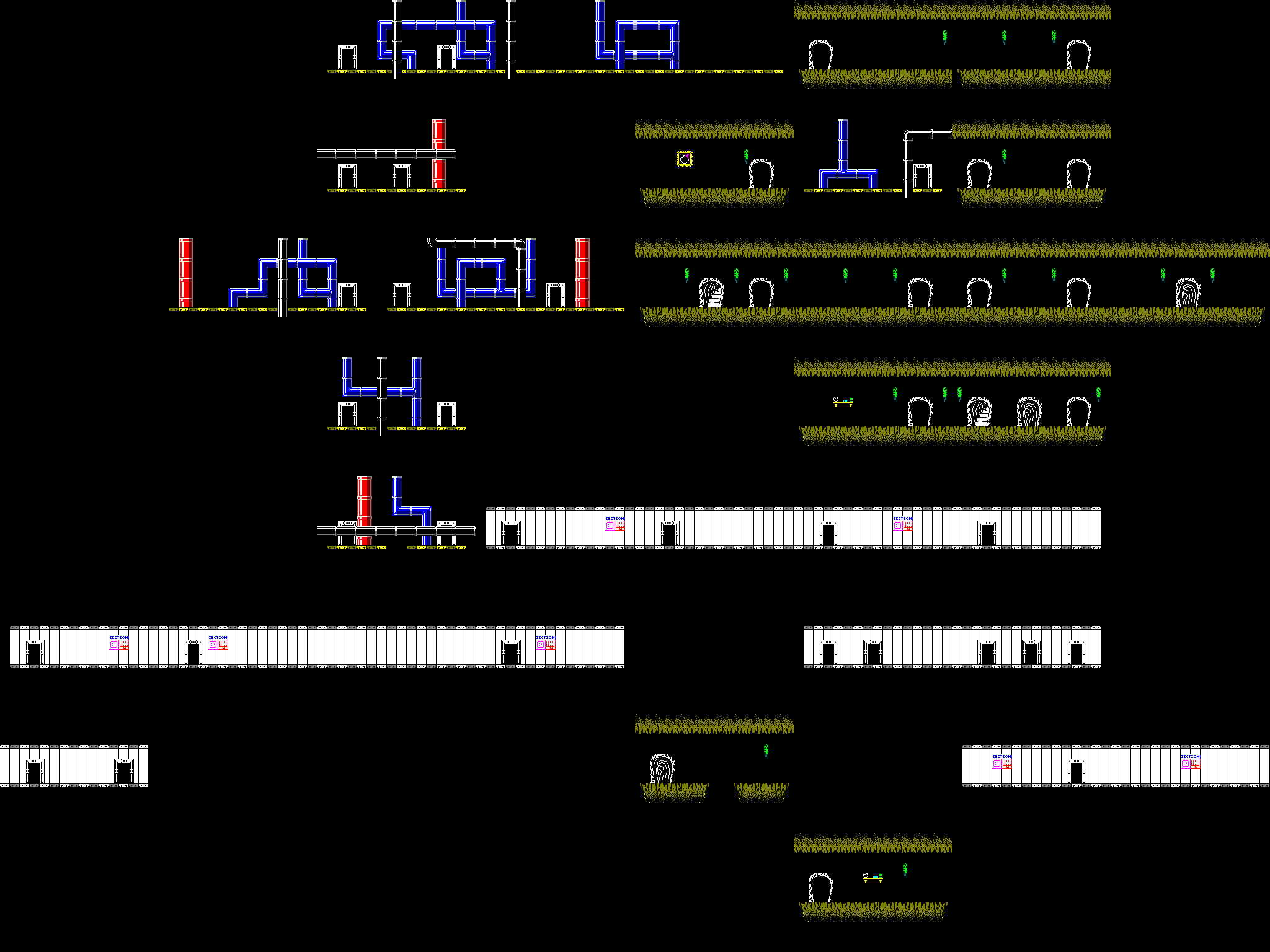
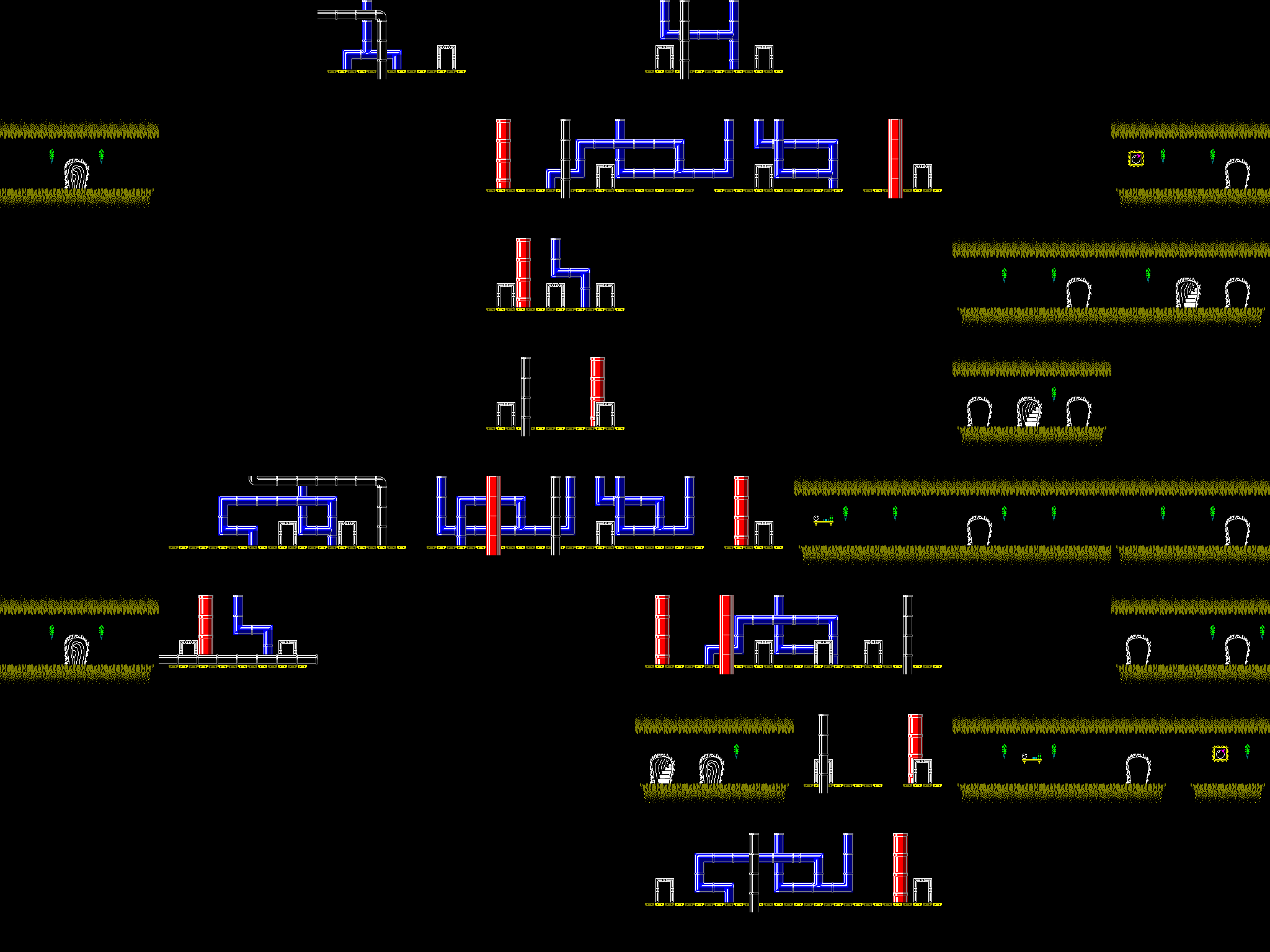
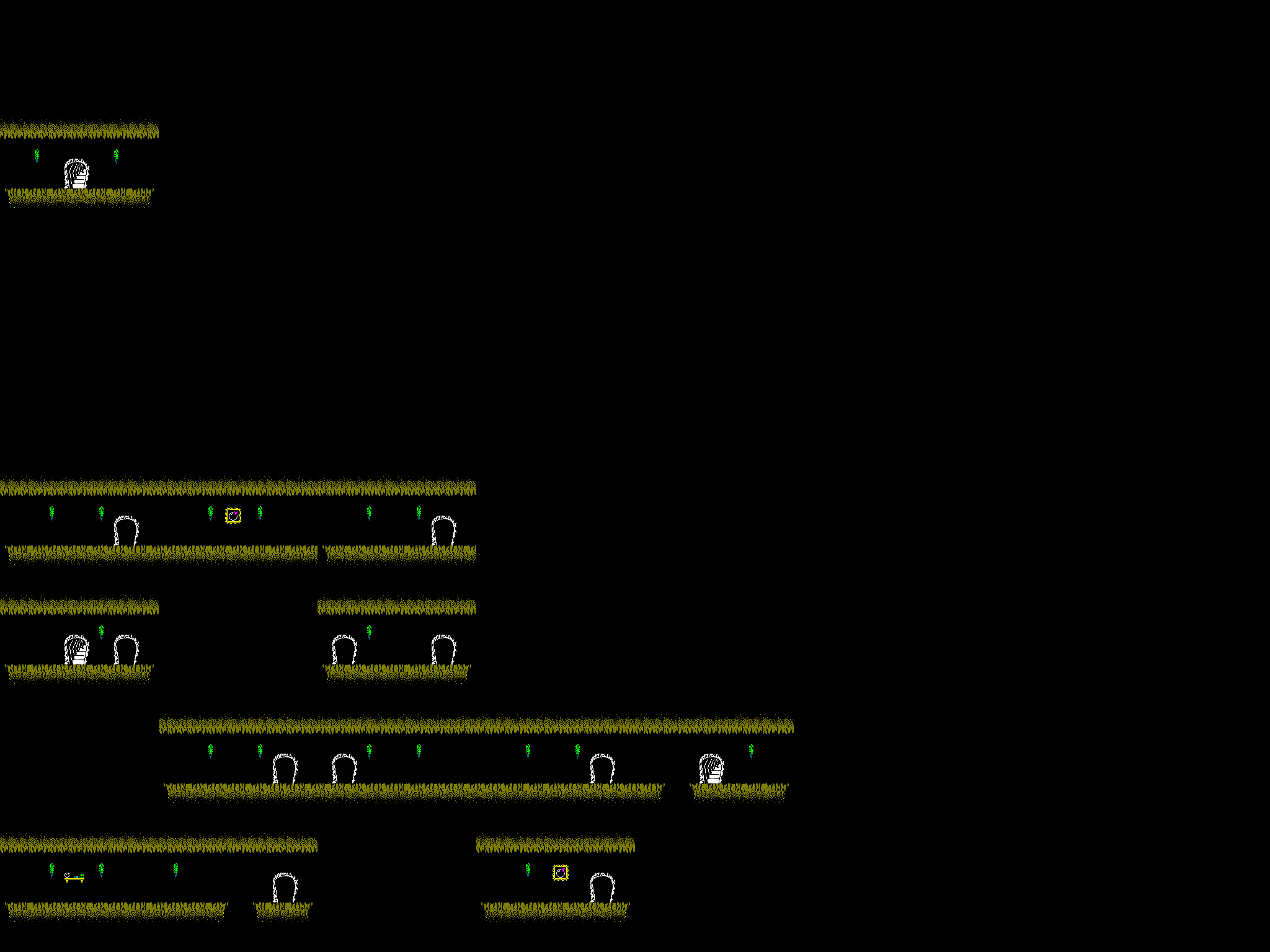
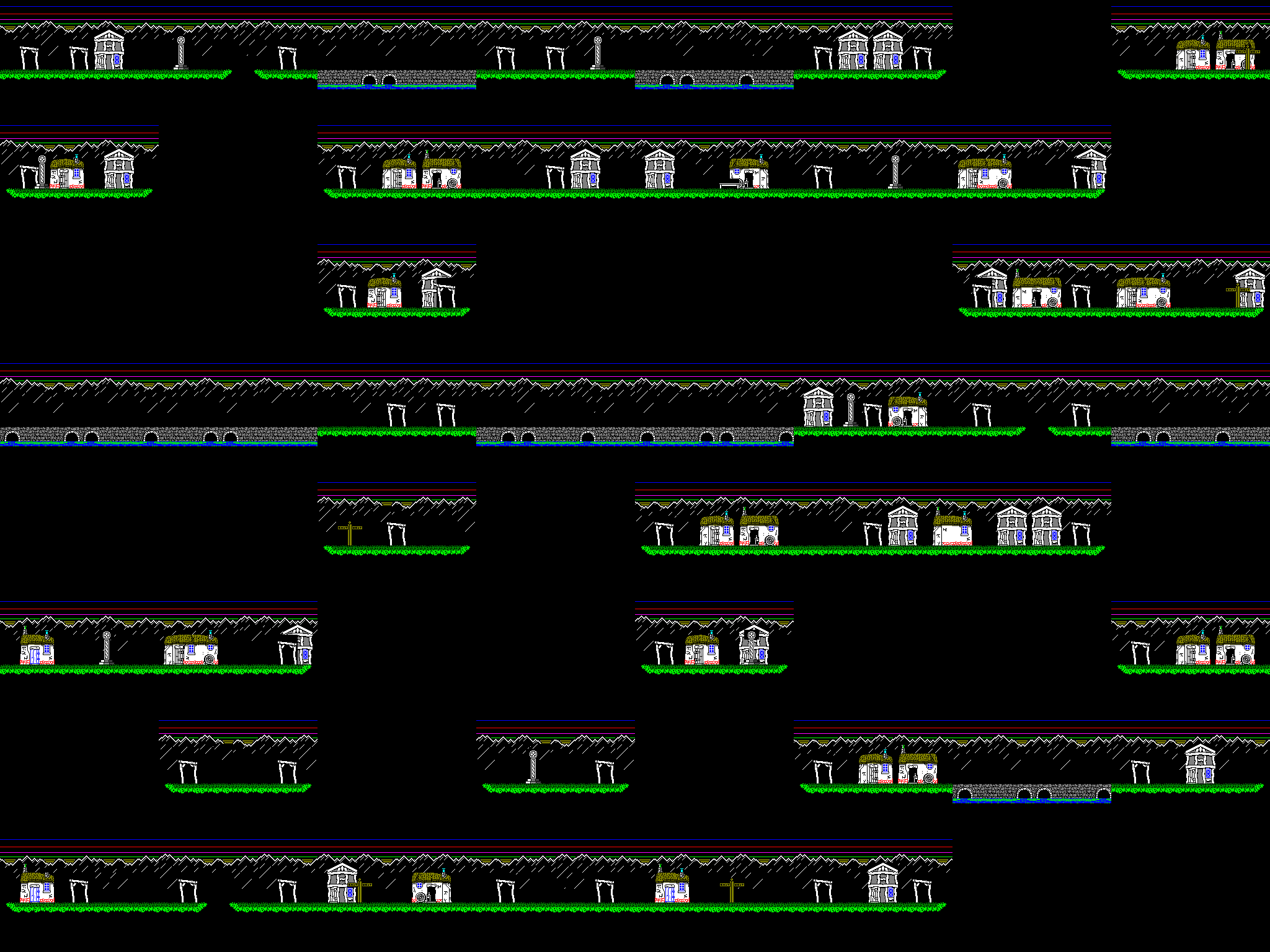
|
The location the bed brings you to in each level is given by a table of five words at 5D8Eh.
At 5B51h is a bitmap indicating which locations in the 8×8×8 world cube are populated:
Byte 0 bit 7 => Z=0 Y=0 X=0
Byte 0 bit 6 => Z=0 Y=0 X=1
...
Byte 0 bit 0 => Z=0 Y=0 X=7
Byte 1 bit 7 => Z=0 Y=1 X=0
Byte 1 bit 6 => Z=0 Y=1 X=1
etc.
As the table is scanned, a counter is incremented with each populated room. This will assign each populated room a number, 0-255.
At 5B91h is a bitmap of visited rooms. This is used to calculate the completion percentage.
When a room is drawn:
- The room number is used as an index into a table at 903Fh. The low 7 bits of the byte at that index are treated as the template number for this room, and the room graphics table at 913Fh is used to create the basic room layout. The top bit is only set for a few rooms in the 'garden wall' area of the first level. I think it horizontally mirrors either the template or the graphics within it, and in these rooms it's used to mirror the design of the brickwork so it changes from room to room.
- The room number itself is then used with the room graphics table at 97BBh to add background decorations specific to that room.
- If this is one of the five rooms with a bed, the bed is added.
- The room number is used with the room graphics table at 9B83h to create the foreground decorations.
Sprites
There is a table at 0E10Ch giving a list of pointers to sprite bitmaps. The bitmaps themselves occupy memory from 0E1BAh to 0F9CFh (except for a small gap at 0F3F3h-0F3F5h for the IM2 interrupt service routine).
The first eight entries are zero. I suspect these may correspond to the Knight, which can be seen in other versions of the game and in the screenshots in the Sinclair User review.
Heartland 128k?
As far as I know, there was never any thought of an enhanced Heartland for the 128k Spectrum. If I were to think of implementing one, I think the initial steps to take would be:
- Replace the beeper music with the AY music from the CPC version (there is already an unofficial version where this has been done).
- Move the 8×8 tiles to a separate memory bank. This would allow eight full sets of tiles, and free up ~7128 bytes of main memory.
- Use the space thus freed to reintroduce the Knight sprites.
- If more space is required, move the room graphics tables to a separate memory bank as well.

John Elliott 2026-11-12